
Slides
The Slides plugin presents a Markdown note in a slide-oriented deck view.
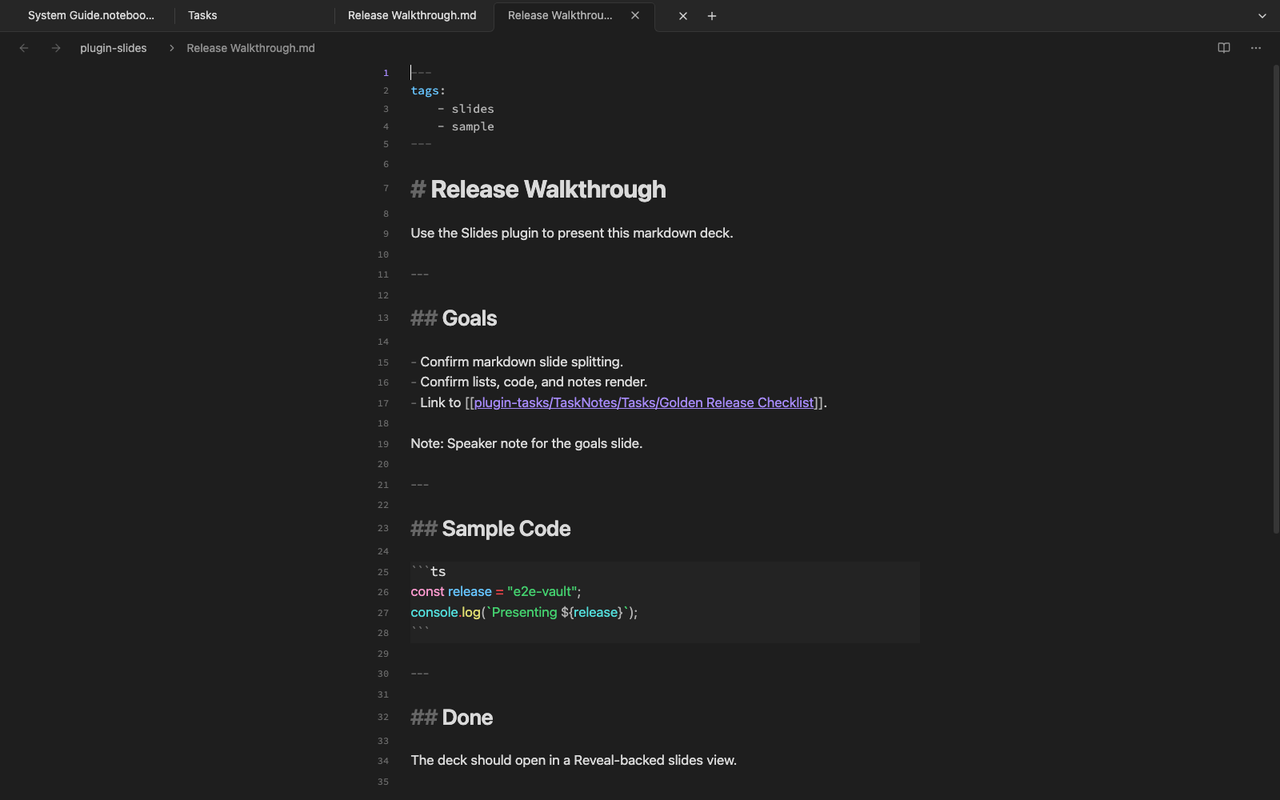
Prepare a slide note
Section titled “Prepare a slide note”Use headings and slide separators to keep each slide focused. Keep text short, and move speaker notes or source material into linked notes.
Present
Section titled “Present”Open the slide command from the command palette or the plugin action. The plugin owns the presentation overlay and close controls while using the shared Markdown renderer for content.
What it supports
Section titled “What it supports”- Markdown headings and lists as slide content
- Code blocks and other rendered note content inside slides
- Linked source material that still lives as a normal note in the vault