
Markdown basics
Lapis keeps notes in ordinary Markdown files, then adds vault-aware editing and rendering on top.
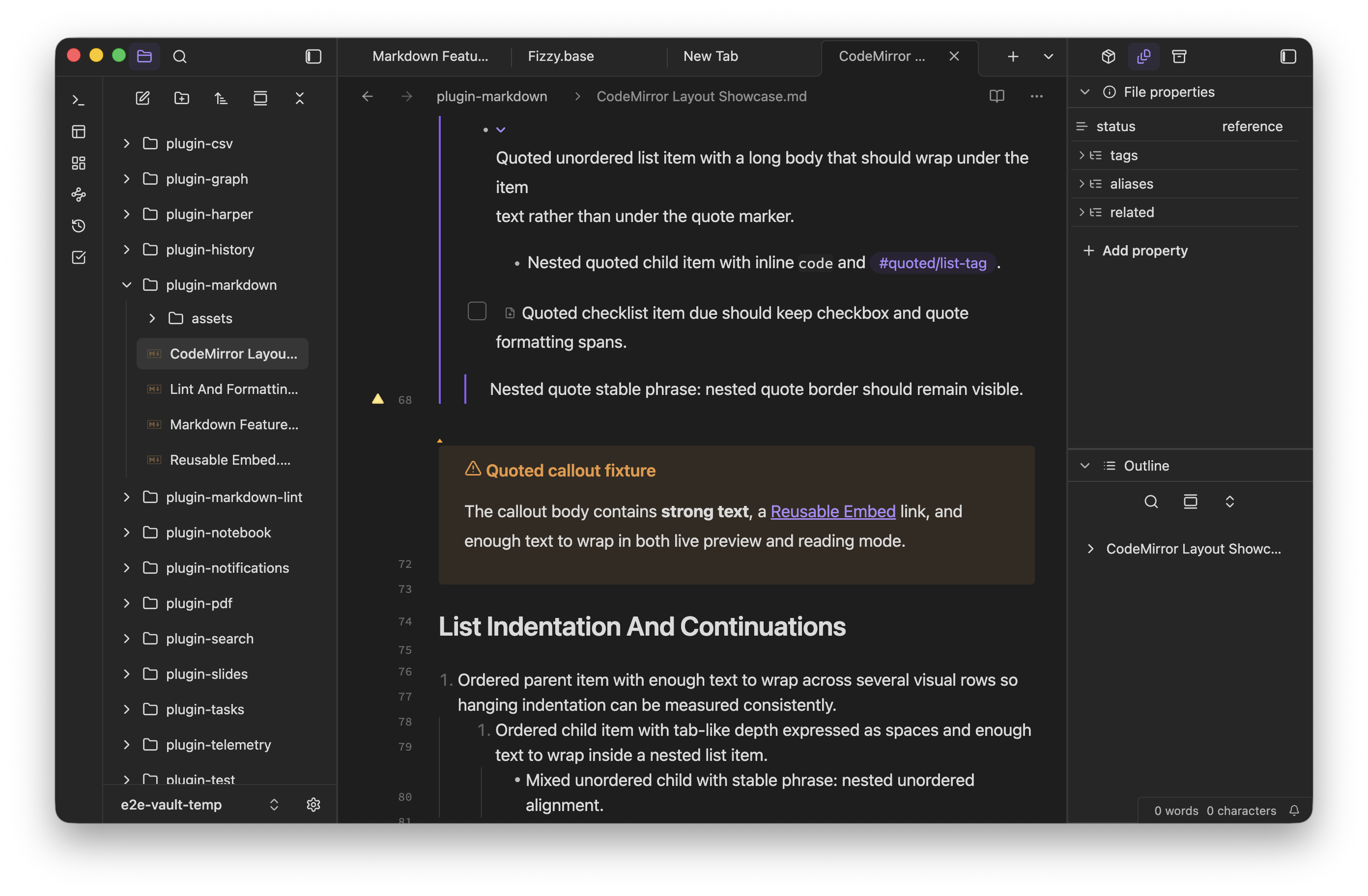
Use this page as the starting point for the supported feature set. The rest of the Editing section covers vault-aware links, embeds, properties, checklists, callouts, code, math, and diagrams in more detail.
Common syntax
Section titled “Common syntax”# Heading
**Bold** and _italic_ text
- Bullet item- Another item
1. Ordered item2. Another item
[[Internal link]][External link](https://example.com)
- [ ] Open task- [x] Completed taskWhat Lapis supports
Section titled “What Lapis supports”- Headings, paragraphs, emphasis, quotes, and lists
- Standard Markdown links and vault-aware wiki links
- Tags, embeds, attachments, and properties
- Tables, task lists, callouts, and list callouts
- Code fences, LaTeX math, and Mermaid diagrams inside notes
Use Markdown for the note body and frontmatter for structured metadata. Prefer links and embeds over copying the same context across many files. Use code blocks when exact whitespace or syntax matters.