
Graph view
Graph view turns vault metadata into a navigable relationship map.
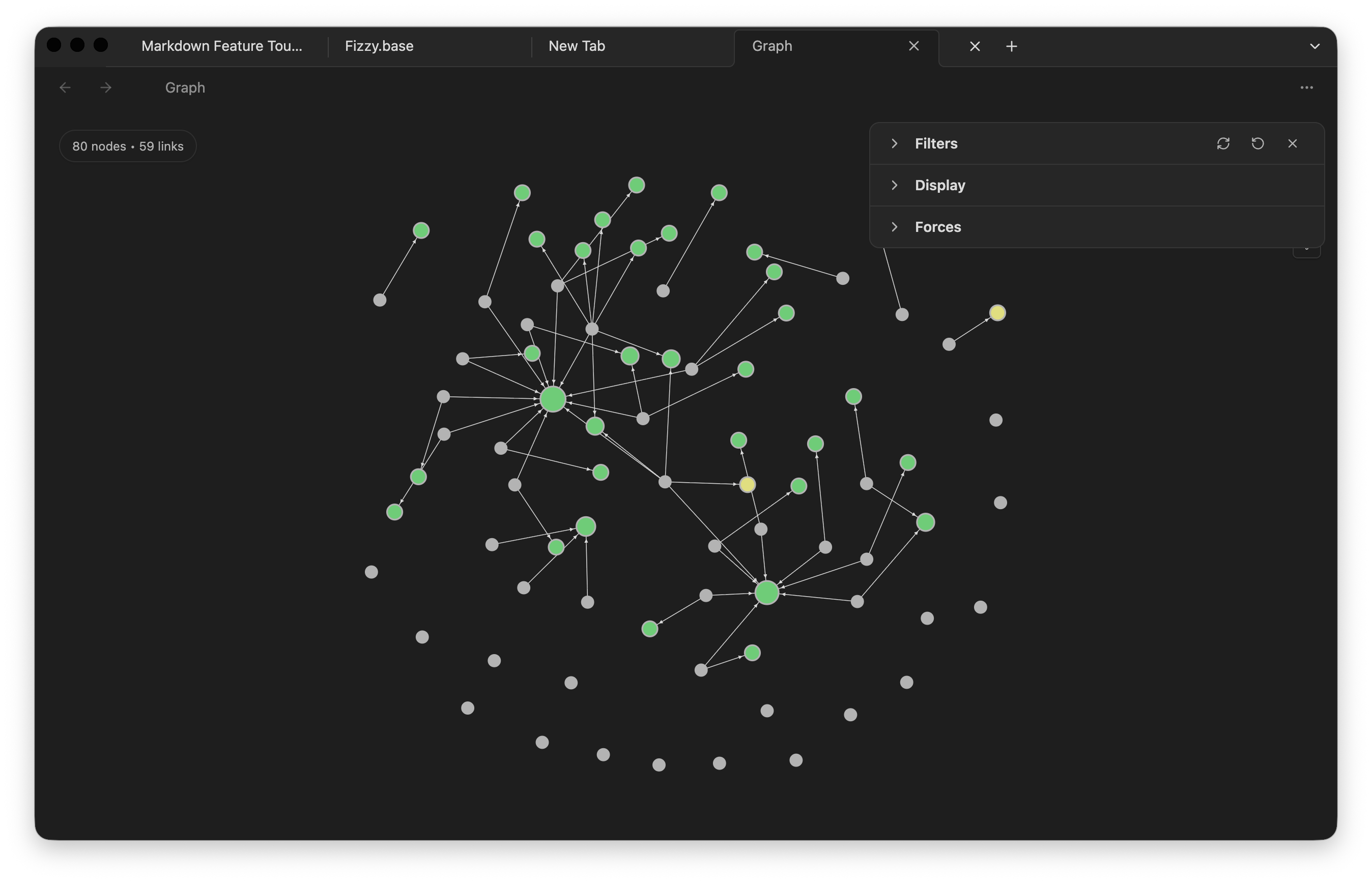
What appears in the graph
Section titled “What appears in the graph”- Resolved internal links between notes
- Unresolved links to notes that do not exist yet
- Markdown embeds
- Tags
Each circle is a note or graph item. Each line is a relationship. Larger or more connected areas usually point to notes that are central to a topic.
How to use it
Section titled “How to use it”- Pan by dragging the graph surface.
- Zoom with the wheel or keyboard controls.
- Click a node to open its note.
- Use filters to hide attachments, unresolved nodes, tags, or orphan notes.
The local graph starts from the active note and shows nearby relationships, which is often more useful while writing than the full vault graph.