
Links, embeds, and tags
Lapis adds vault-aware linking on top of ordinary Markdown so notes can stay portable while still behaving like part of one workspace.
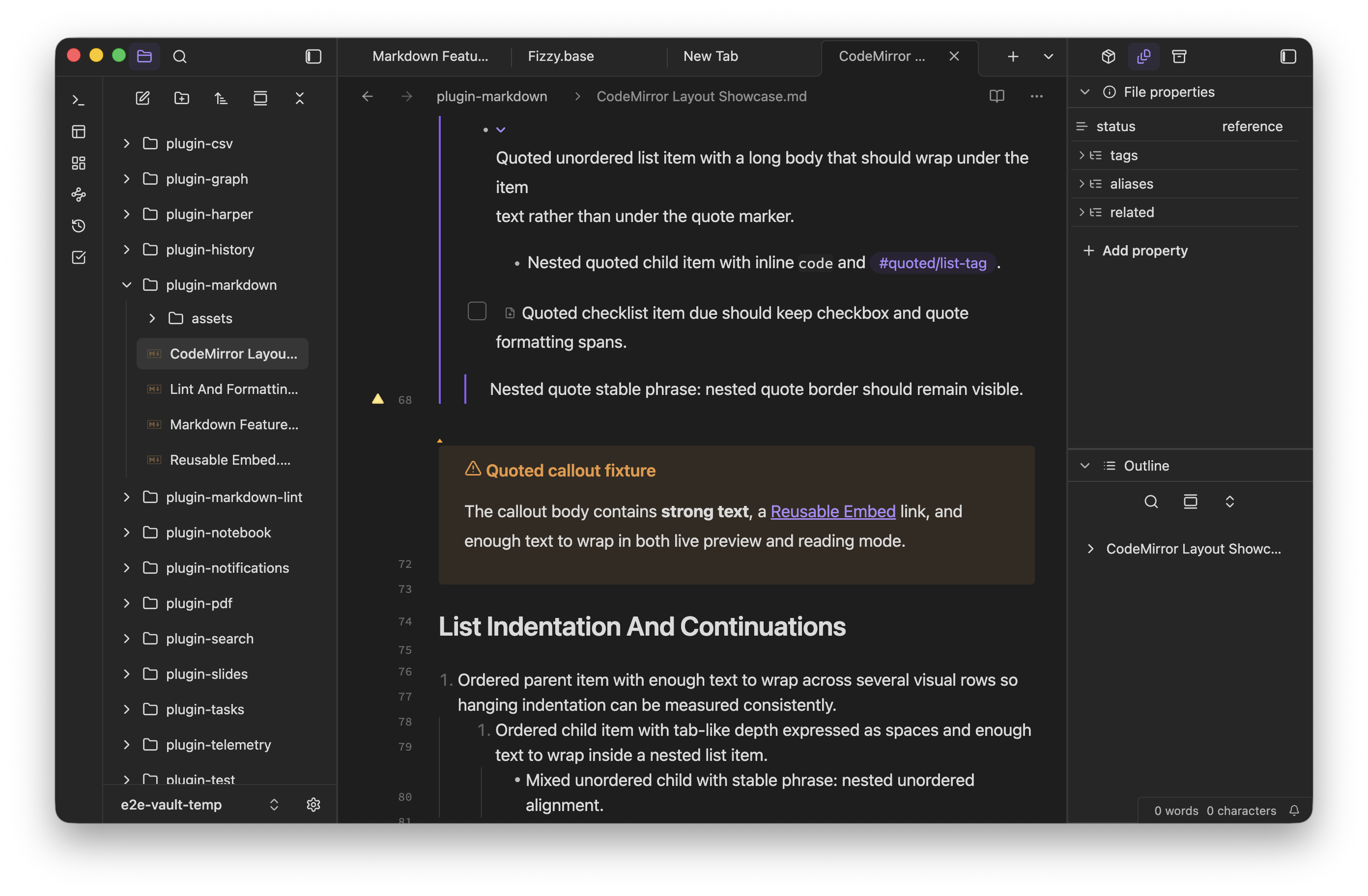
The public docs site does not run the in-app vault renderer, so examples like
[[wikilinks]] and ![[embeds]] are shown as syntax here and as screenshots
where the rendered result matters.
Internal links
Section titled “Internal links”Use wiki links when the target is another note in the vault.
[[Project Notes]][[Project Notes#Open questions]][[Project Notes|Planning board]]Lapis resolves these links against the vault metadata cache, supports heading targets and display text, and keeps link suggestions aligned with the active note path.
Standard markdown links
Section titled “Standard markdown links”Standard Markdown links continue to work for local paths and external URLs.
[Project brief](./brief.md)[Lapis Notes](https://lapis.md)Use standard links when you need exact destinations or when the file will be read in tools that do not understand wiki links.
Embeds
Section titled “Embeds”Embeds pull another note or file inline.
![[Reusable Embed]]![[Project Notes#Summary]]![[assets/diagram.png]]![[sample.pdf]]Lapis supports note embeds, section embeds, image embeds, PDF embeds, and plugin-provided non-image embeds. Standalone embed paragraphs render in both reading mode and live preview.
Tags help search, graph view, and metadata-driven organization.
#researchUse short, stable tag names. Nested tags such as #project/roadmap are useful
when a vault has a consistent hierarchy.
When to use which link style
Section titled “When to use which link style”| Use case | Best fit |
|---|---|
| Another note in the same vault | Wiki link |
| A specific heading in a note | Wiki link with #Heading |
| Display text that differs from the note title | Wiki link with |Alias |
| A web page or strict relative path | Standard Markdown link |
| Inline content or file preview | Embed |