
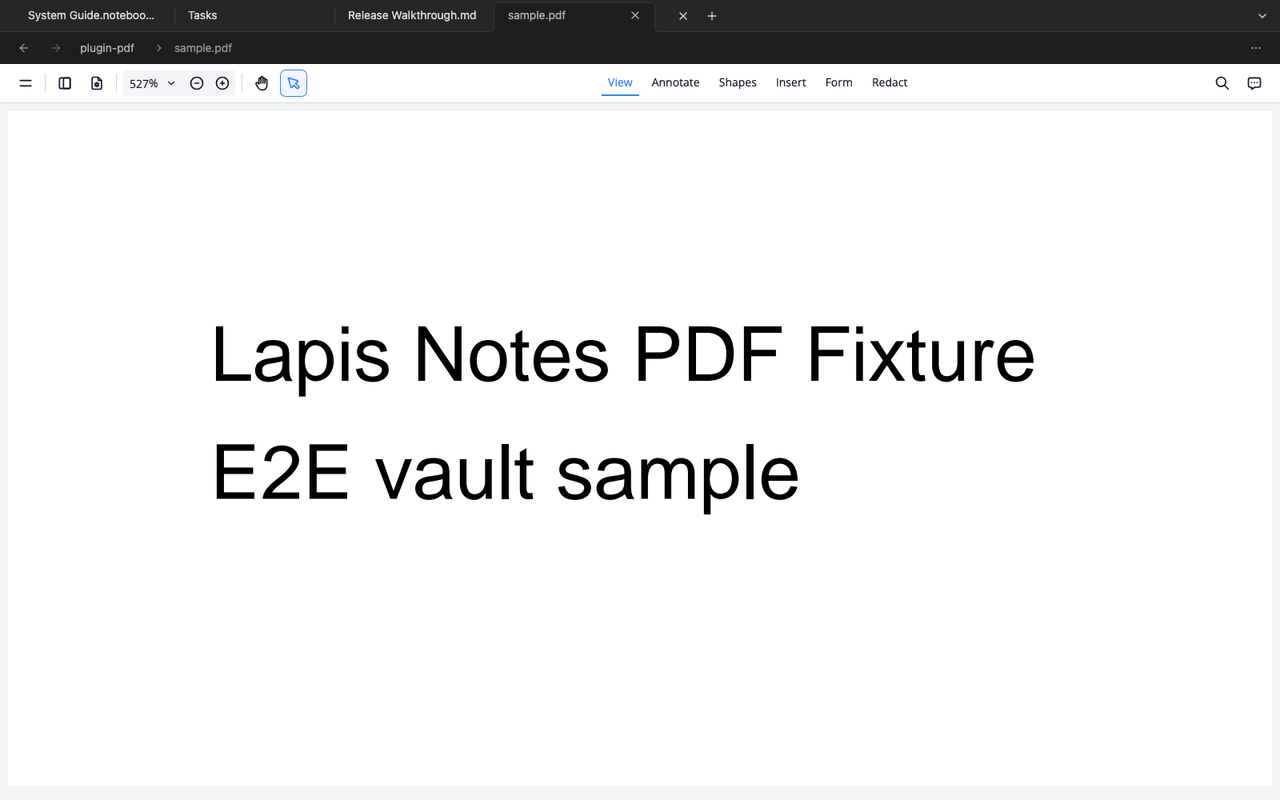
The PDF plugin opens PDF files in a dedicated viewer and supports PDF embeds in Markdown surfaces.
Use PDFs in a vault
Section titled “Use PDFs in a vault”- Add the PDF file to the vault.
- Open it from the file explorer, or embed it from a note.
- Keep notes and links around the PDF so the file has context.
What the plugin provides
Section titled “What the plugin provides”- A dedicated PDF viewer for
.pdffiles - PDF embeds inside notes
- First-party view chrome that matches the rest of the workspace
PDF chrome is owned by the plugin and follows the same dark surface, hairline, and muted-text style as other first-party views.