Local files. Markdown. Extensible views.

Sharpen your notes.

Lapis Notes is a local-first workspace for Markdown notes, graph thinking, canvas boards, structured bases, tasks, and executable notebooks.

  • Ordinary Markdown files and folders
  • Built-in search, graph, canvas, bases, tasks, and notebooks
  • Desktop vaults and installable web app
Notes
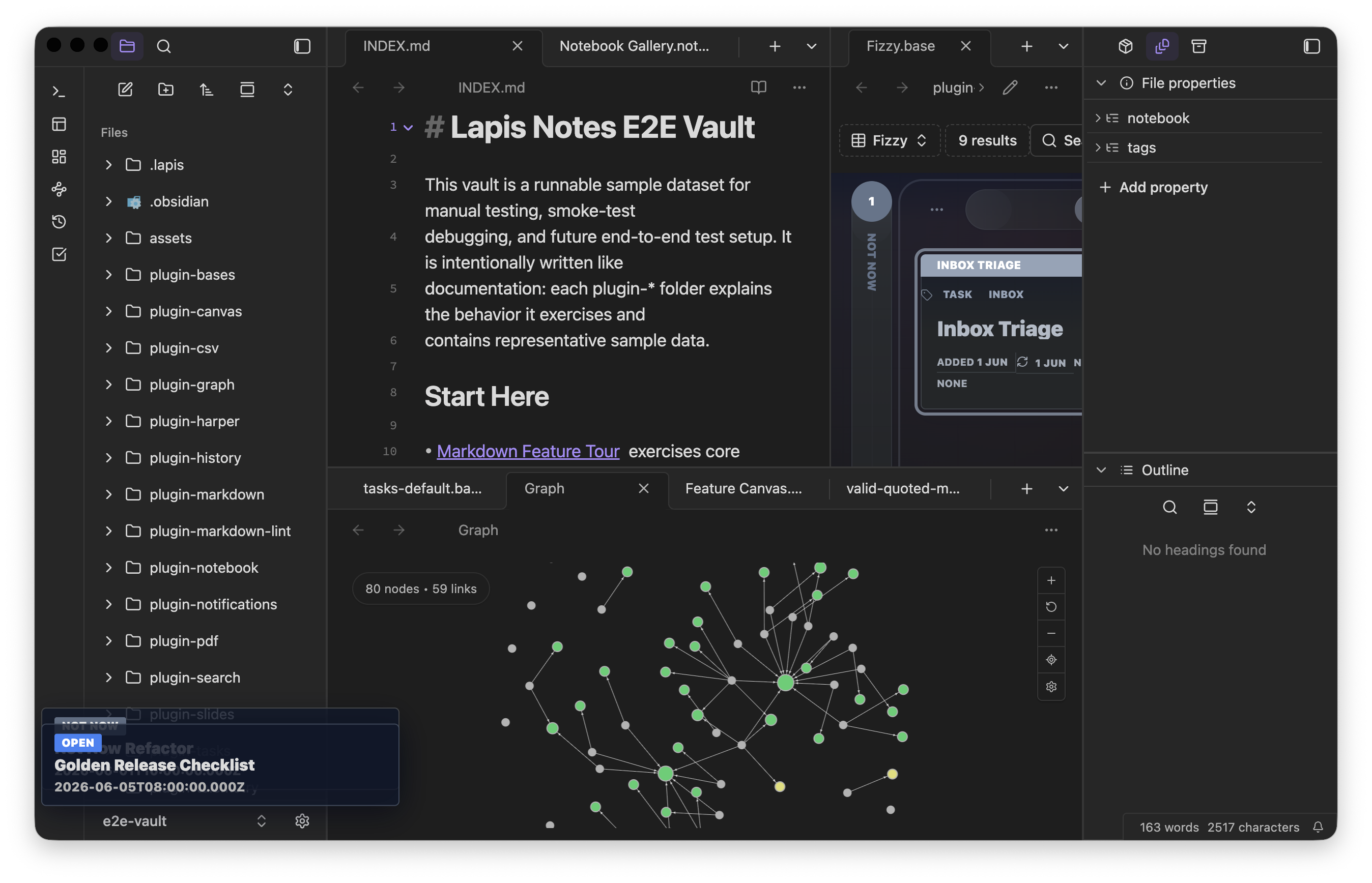
Dark Lapis Notes workspace with the file explorer beside a rendered note.

Editing that stays portable

Use the markdown features you already rely on.

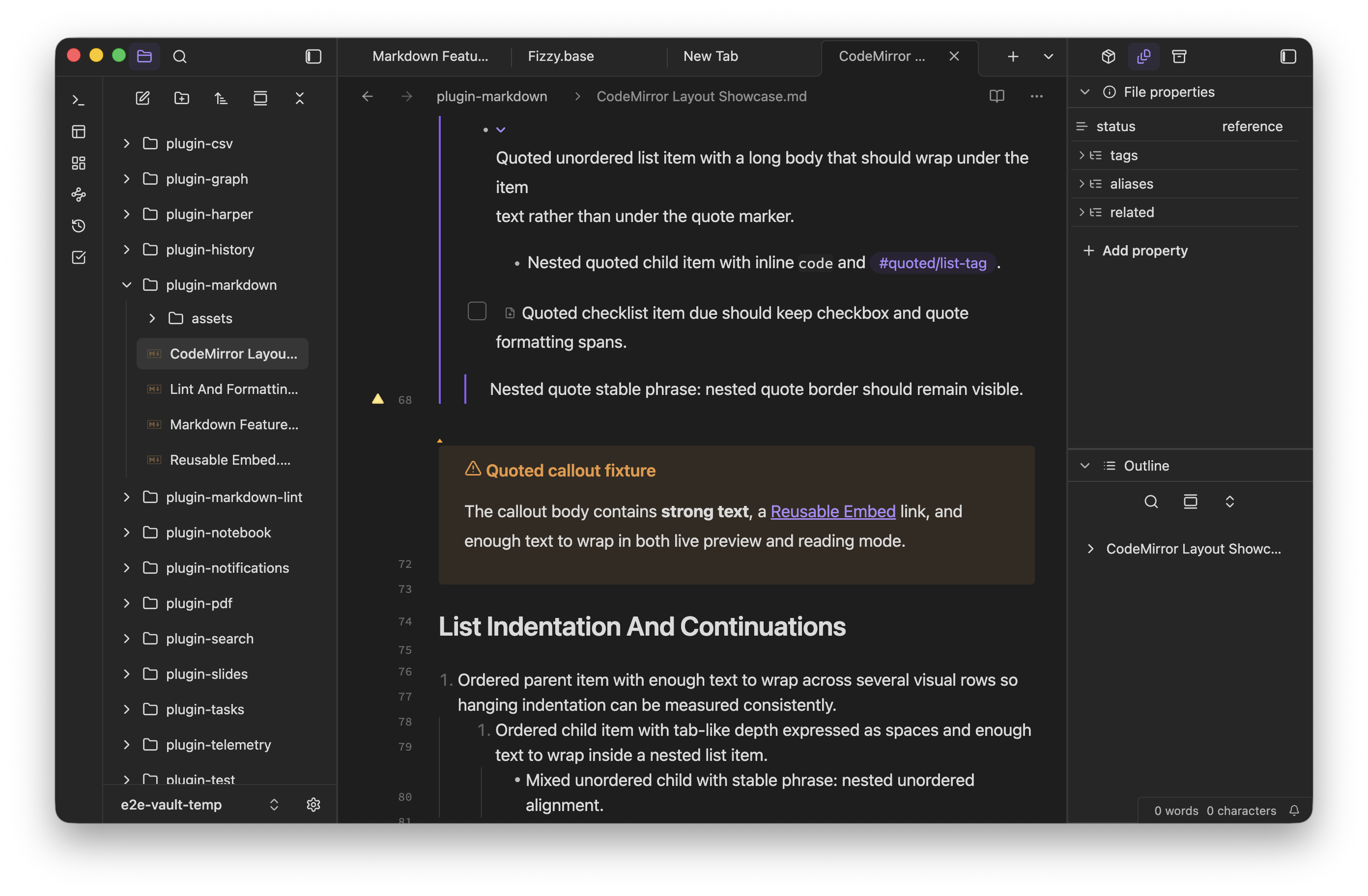
Lapis keeps the note itself primary, then layers live preview, embeds, properties, callouts, math, Mermaid, checklists, and code blocks over the same file.

  • Wikilinks, embeds, tags, and frontmatter-backed properties
  • Tables, task lists, callouts, math blocks, and diagram fences
  • Readable source plus richer rendered views when they help
Notes
A rendered note with tables, callouts, and checklist items inside the Lapis Notes workspace.
Graph & canvas
A stacked capture showing Lapis Notes graph view above a canvas board.

Move between views

Switch from linear notes to spatial and structured tools.

Follow links in graph view, arrange material on canvas boards, and turn note metadata into bases without moving work into a separate database.

Graph and canvas

Explore relationships across the vault, then pin notes, files, and ideas into a board when layout matters more than document order.

Bases and tasks

Build tables, cards, agendas, and task views from the same note properties and checklist data you already keep in Markdown.

Rich views, same files

Preview notes, follow links, and lay out a board in the app.

Markdown previews, graph relationships, and canvas boards all read from the same vault files you edit elsewhere in the workspace.

Readable Markdown previews

Tables, callouts, math, checklists, and code blocks render from the same note content you keep in your vault.

Notes
A rendered note with tables, callouts, and checklist items inside the Lapis Notes workspace.

See how notes connect

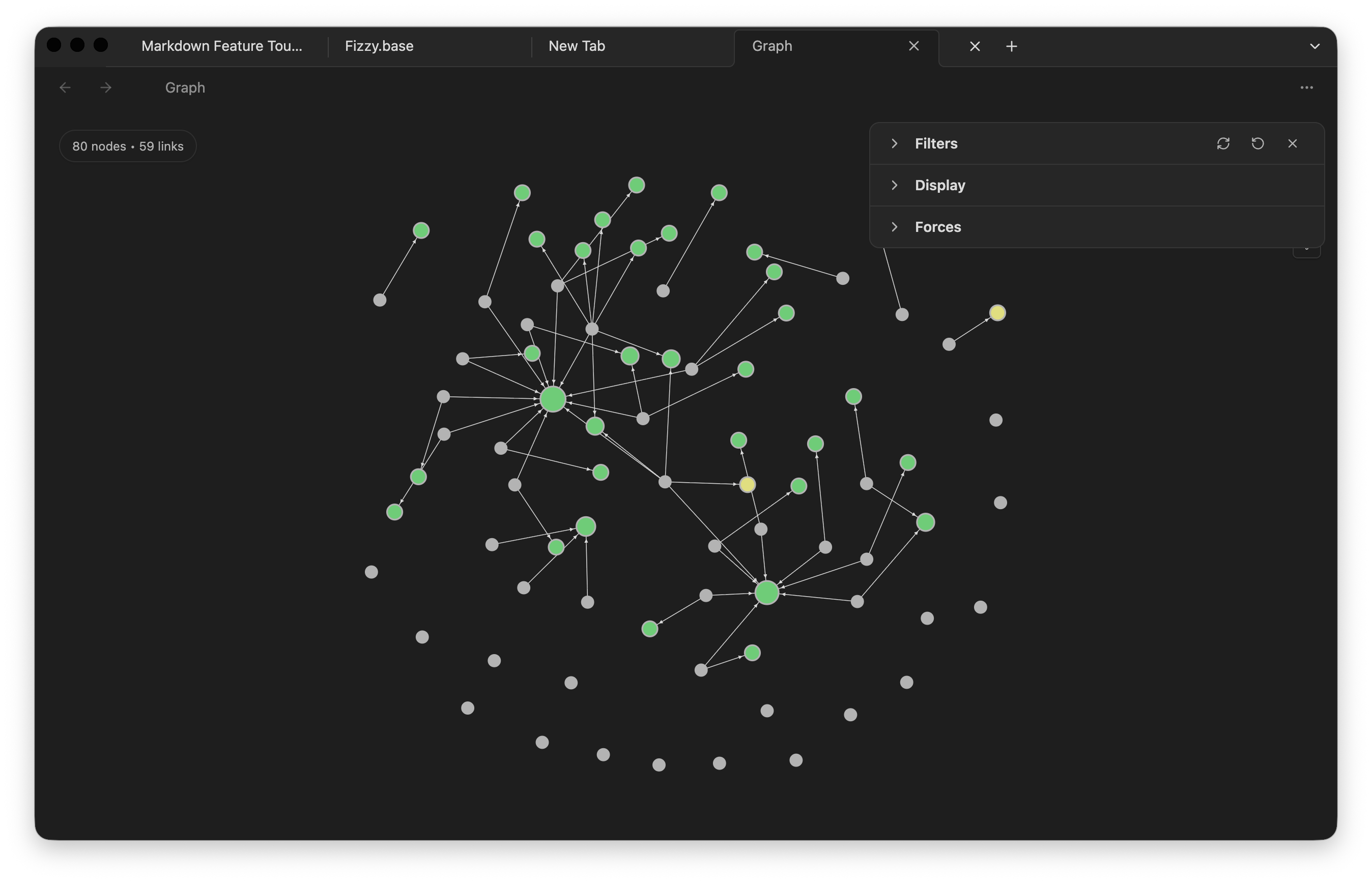
Follow internal links, embeds, tags, and unresolved references across the vault in one relationship map.
Graph
Graph view showing linked notes, tags, and unresolved references across a vault.

Arrange work on a board

Pin notes, tasks, and links on a canvas when spatial layout helps you plan or review a project.
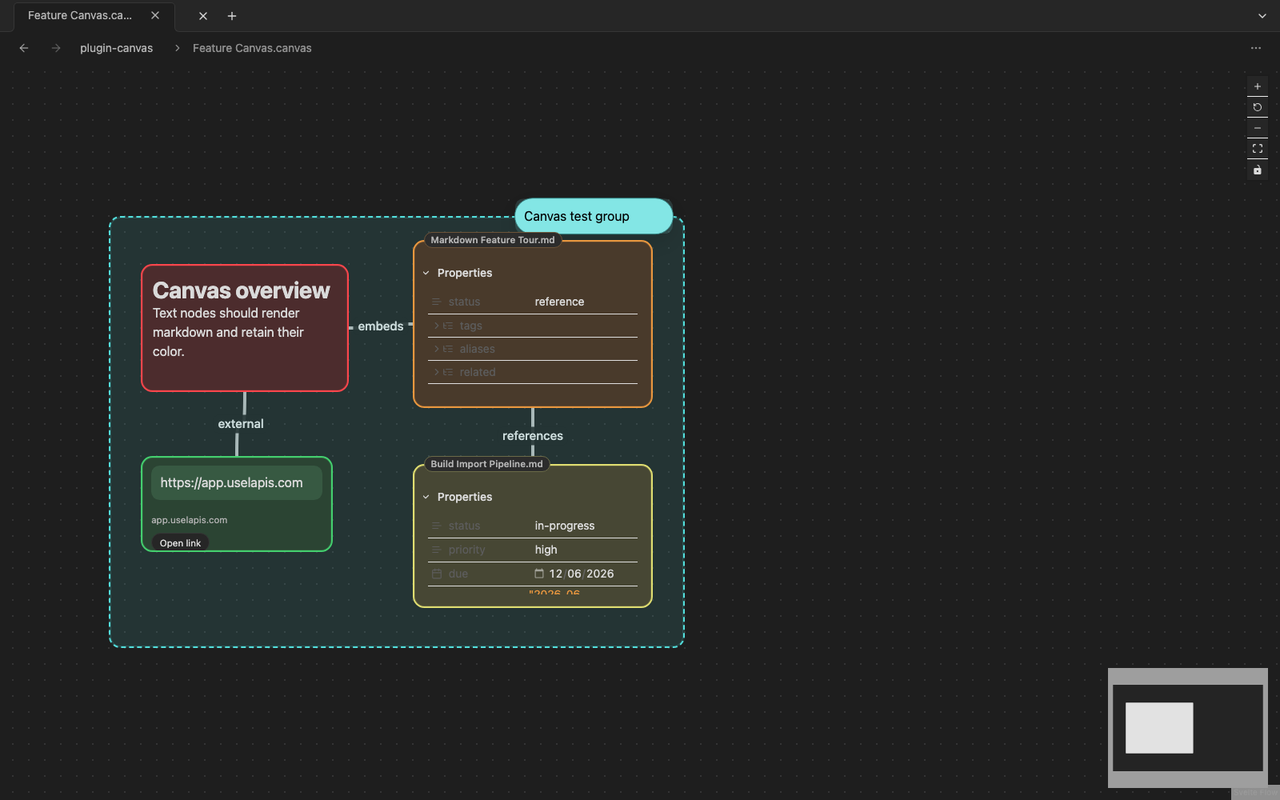
Canvas
A canvas board with linked notes, text cards, and connectors in the Lapis Notes workspace.

Structured note views

Bases keep metadata useful without giving up files.

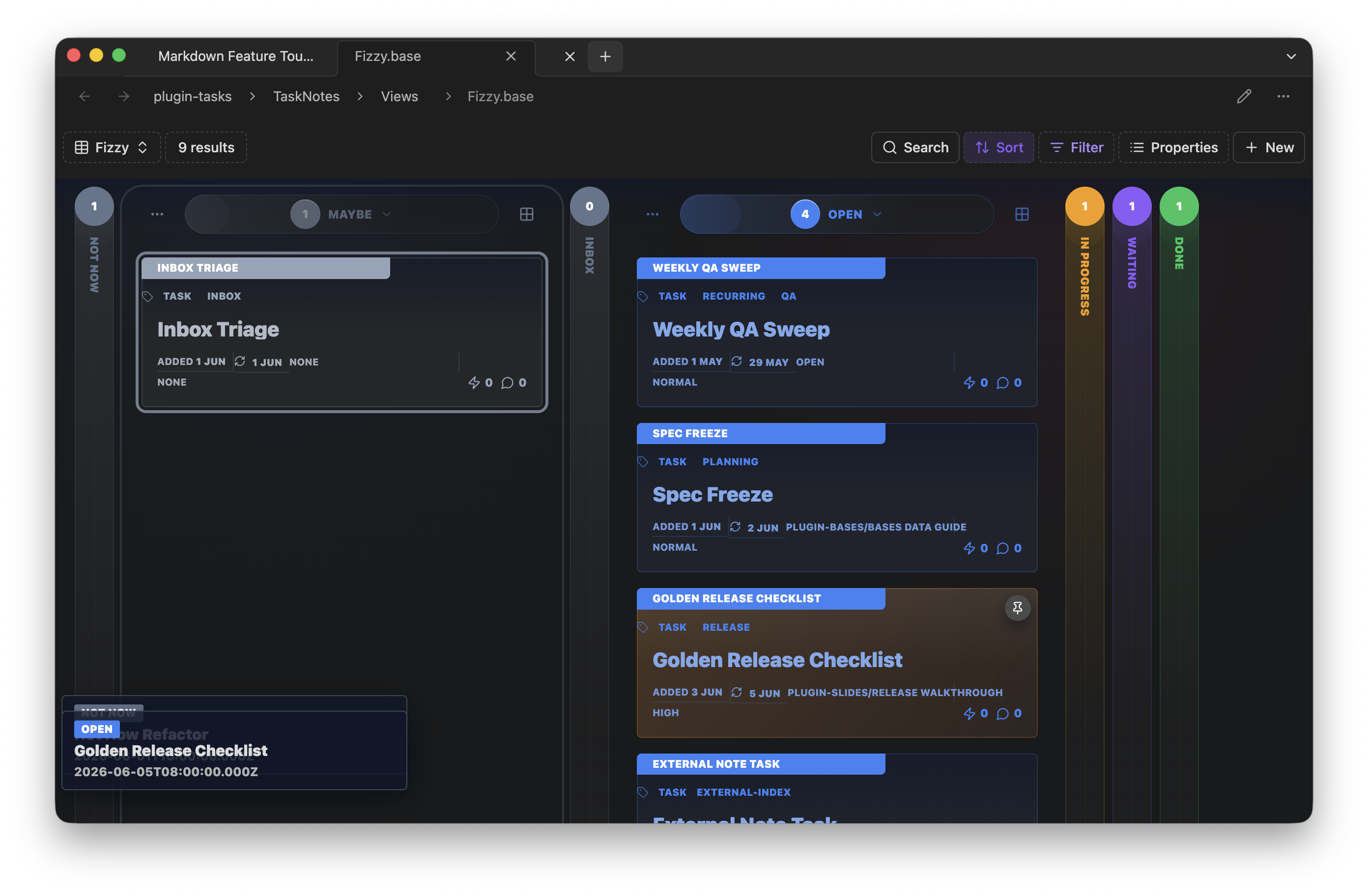
Turn frontmatter and task-note metadata into table and card views while keeping everything backed by ordinary vault content.
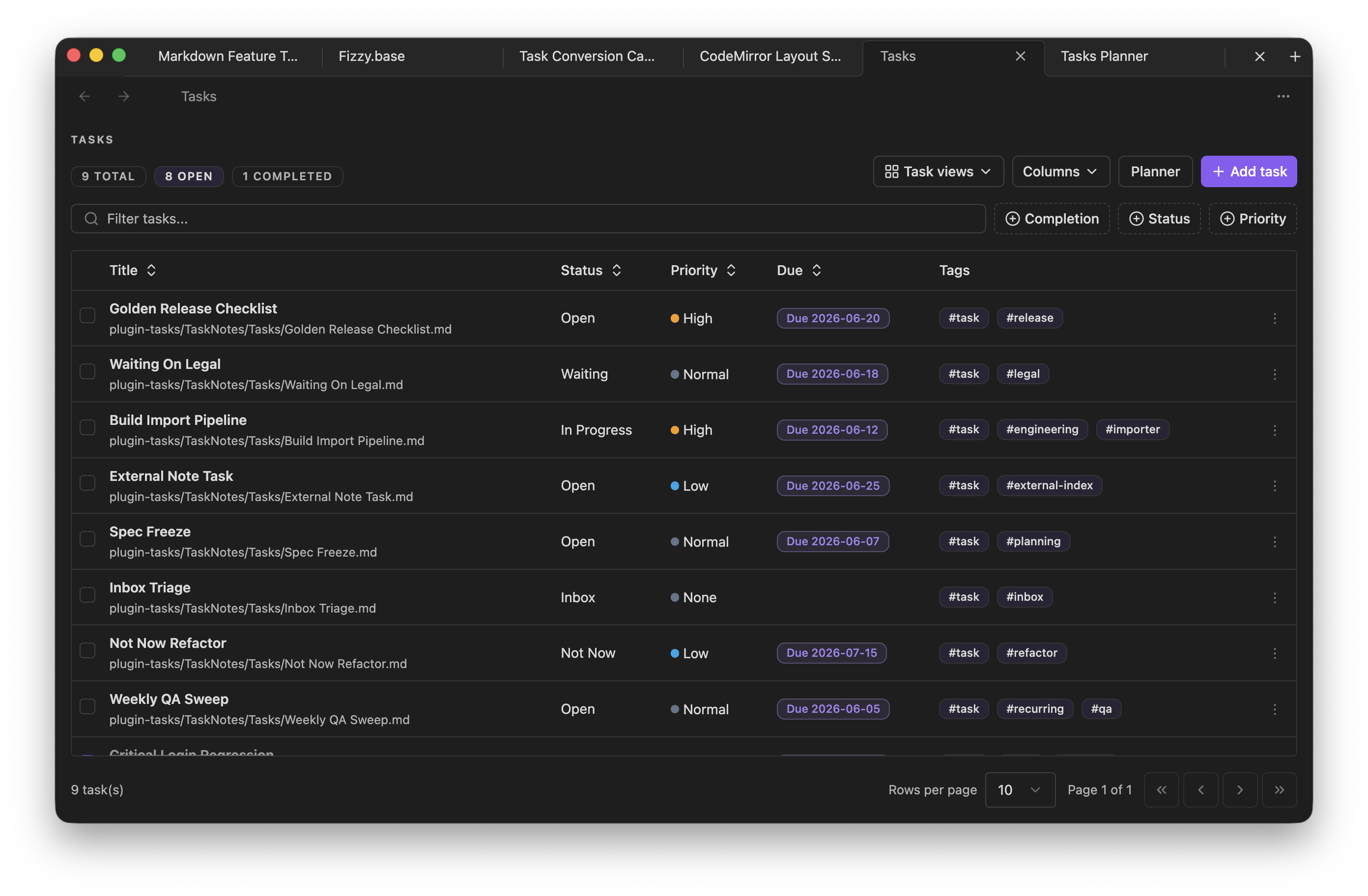
Bases
A Bases table view built from Markdown note properties inside the dark Lapis Notes workspace.

Plugin surface

Bundled plugins widen the workspace.

Search, graph, canvas, bases, tasks, notebook, slides, and PDF are available as first-party plugins, and safe mode keeps community plugin installs explicit.
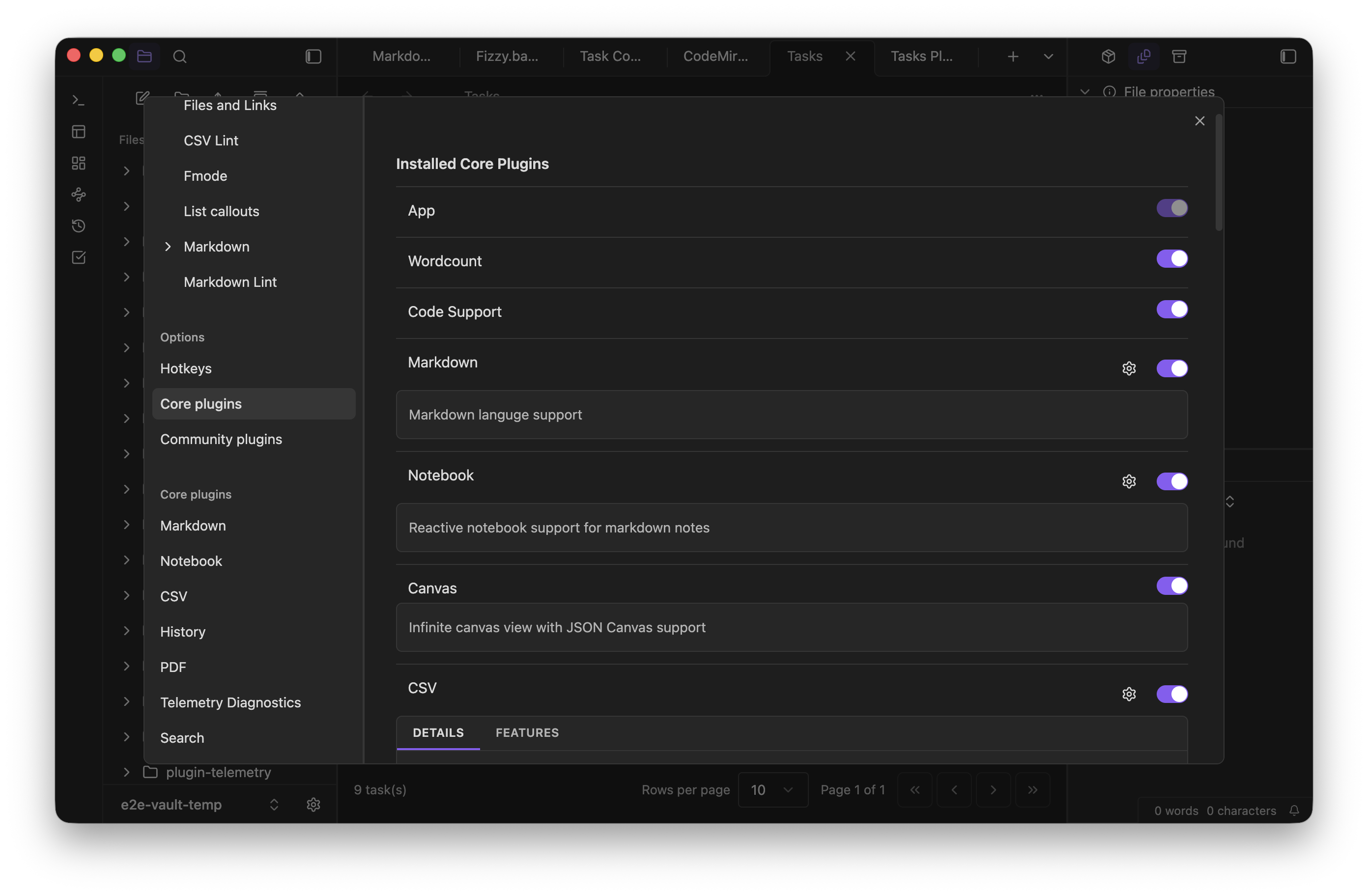
Settings
The core plugins settings screen in Lapis Notes.

Notebook workflows

Keep executable analysis beside the note.

Mix prose, SQL, JavaScript cells, and interactive inputs in `.notebook.md` files so analysis stays beside the notes it supports.
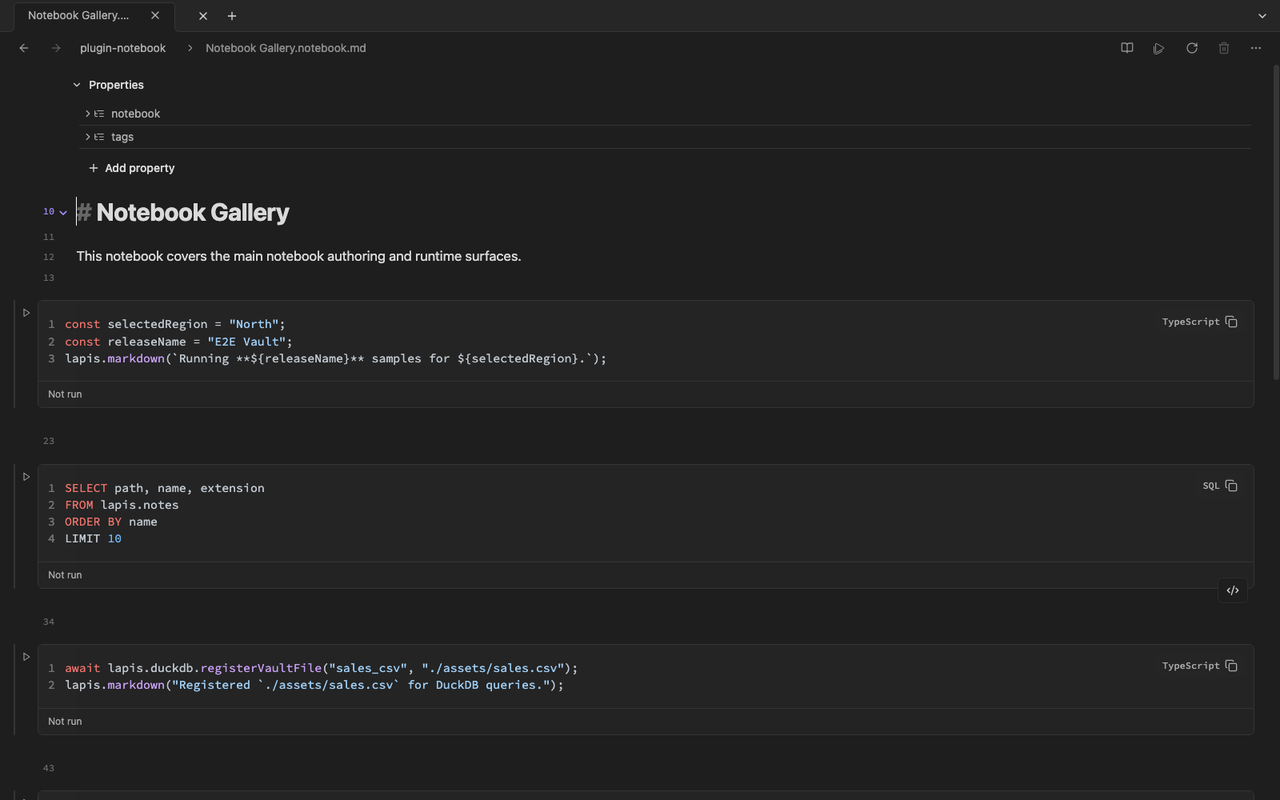
Notebook
The Notebook Gallery document open inside Lapis Notes.

Runs where your vault lives

Available on web and desktop.

  • Web / PWA installs from the browser and stores a browser vault locally for offline use after first load.
  • Desktop opens filesystem folders as vaults through the native Electron shell.
  • Local-first means your notes remain ordinary vault files that can be backed up, synced, or inspected with other tools.

Start with a vault, then grow into views and plugins.

The help docs cover vault setup, editing, plugins, and the desktop and web workflows needed to make the app feel at home.