
Notebook
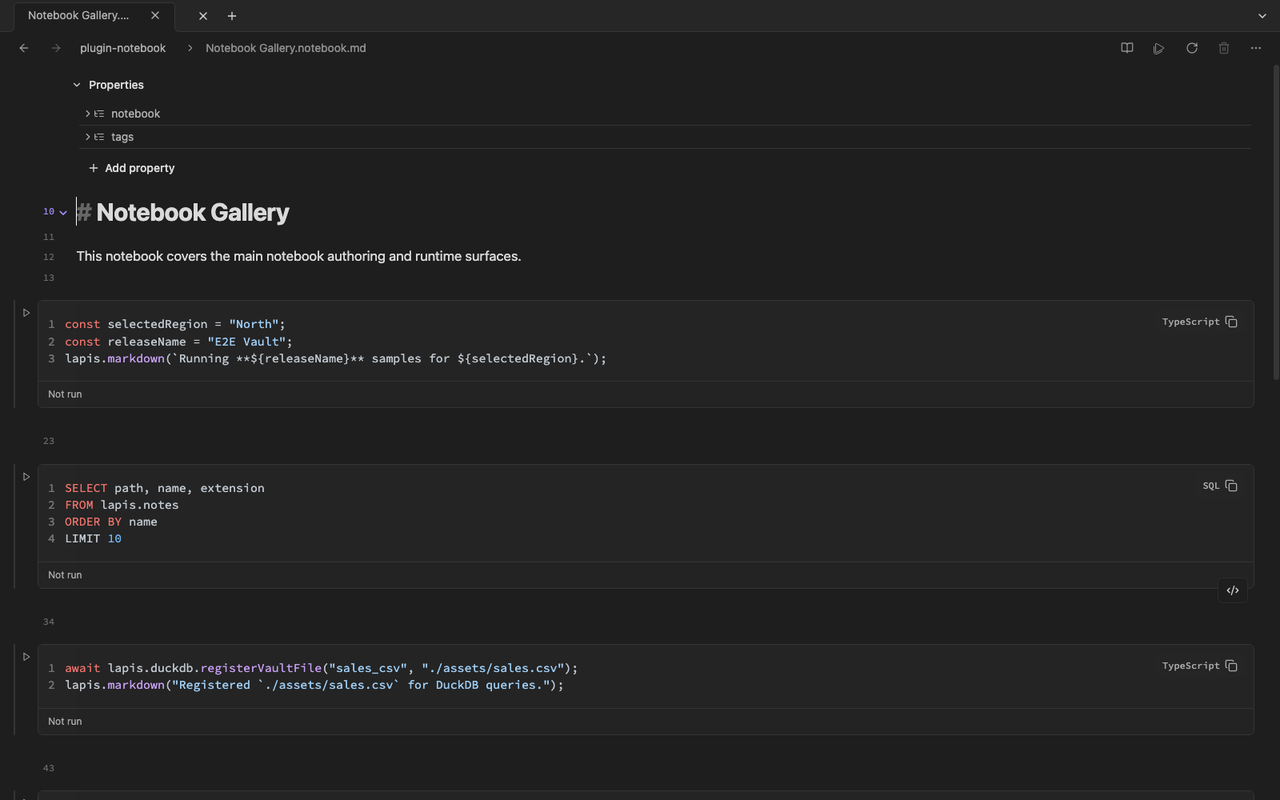
Notebook files use the .notebook.md suffix and remain Markdown notes with
notebook-owned cell structure. You can mix ordinary prose with executable
JavaScript, TypeScript, SQL, and dynamic markdown cells in the same vault file.
What notebooks are for
Section titled “What notebooks are for”- SQL and data exploration over vault files or app tables
- Small JavaScript or TypeScript calculations beside your notes
- Interactive inputs that update downstream cells
- Tables, charts, and rendered outputs next to explanatory text
Use ordinary notes for durable prose. Use notebooks when execution and outputs are part of the thinking process.
Notebook docs
Section titled “Notebook docs”- Getting started — create a notebook, run cells, read the status bar
- Cells and syntax —
:::celldirectives, languages, slash menu - Execution and stale cells — run actions, stale cells, auto-run, persistence
- SQL and DuckDB — vault files, app tables, queries
- Inputs and outputs —
view(...), tables, charts,display() - Panels and packages — Variables, Dependencies, Packages
- Limitations — supported languages, Observable subset, Safe Mode