
Bases
Bases turns notes and frontmatter into structured views without moving data out of the vault.
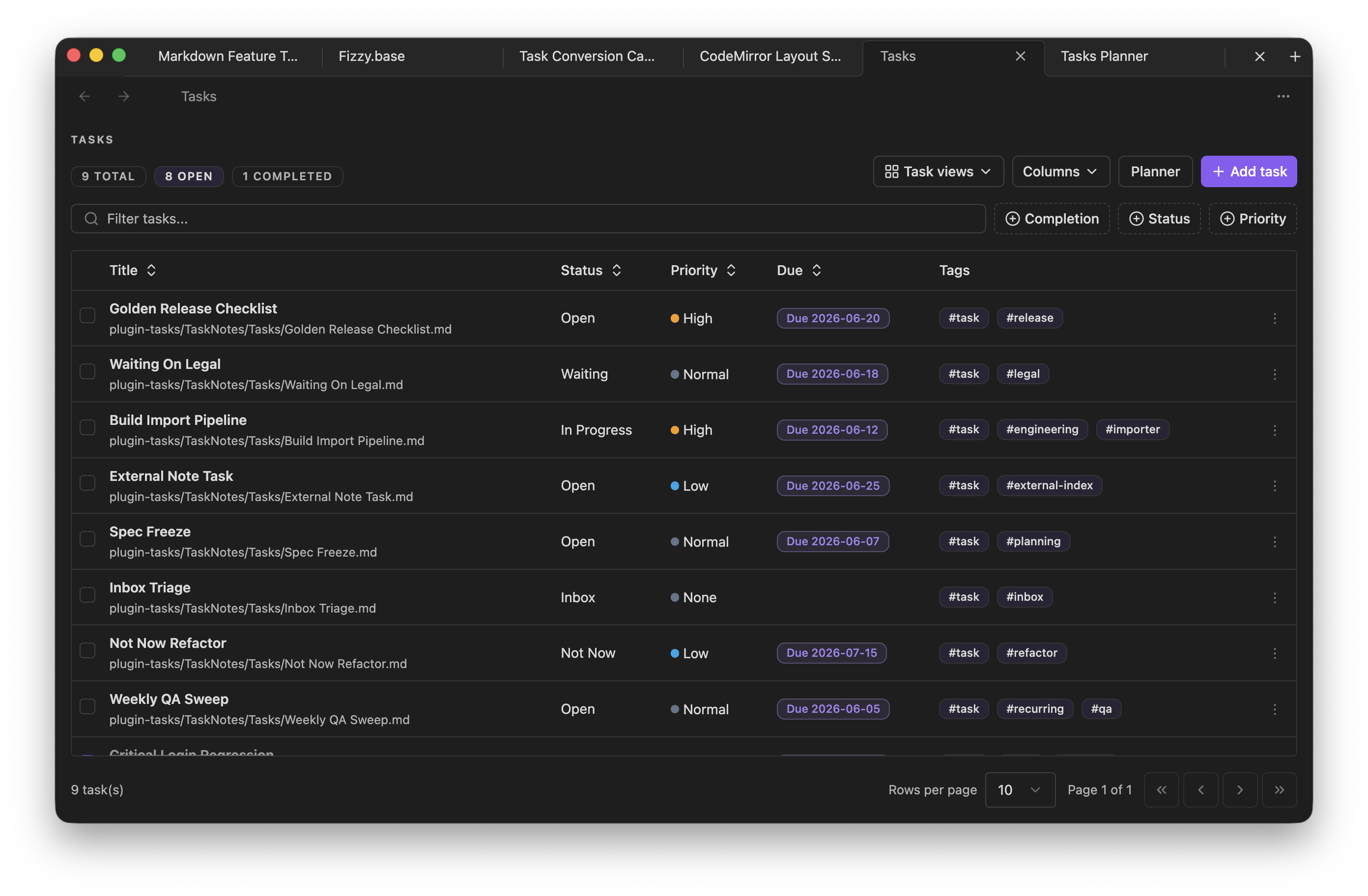
What Bases does
Section titled “What Bases does”Bases reads file fields, frontmatter properties, and formulas from a base document, then renders those records as table, card, list, or map-oriented views.
Create a base
Section titled “Create a base”Create a .base or .bases file, then configure filters, properties, formulas, and views. Bases can render table and card-style views over matching notes.
Use bases for
Section titled “Use bases for”- Project lists
- Reading queues
- Content inventories
- Task dashboards
- Notes grouped by status, owner, folder, tag, or property
Data sources
Section titled “Data sources”Bases reads file fields such as names and paths, explicit frontmatter
properties such as note.status, and formulas declared in the base document.
Keep property names consistent across notes to make bases reliable.
What runs in the database
Section titled “What runs in the database”Bases now asks the app database to narrow candidate rows before the full Bases query runs. Today that database pushdown is limited to a small operator subset:
| Bases operator or behavior | Pushed into the app database | Notes |
|---|---|---|
file.inFolder(...) | Yes | Folder-style path prefix filtering. |
file.hasTag(...) | Yes | Uses indexed tag records. |
file.hasProperty(...) and !hasProperty(...) | Yes | Uses indexed frontmatter-property presence. |
file.ext = ... | Yes | Only direct extension equality is pushed down. |
Property comparisons like note.status = "draft" or priority >= 2 | Yes | Limited to scalar =, !=, >, >=, <, and <=. |
Sort by file.path, file.ext, file.mtime, file.size, or a direct property | Yes | limit is only pushed down when every active sort fits the supported subset. |
OR groups, custom filter strings, formulas, group-by, and view search | No | These still run in Bases after rows load. |
File predicates outside the subset above, or link filters such as file.hasLink(...) | No | These still work, but they are not database-pushed today. |
Unsupported operators do not break Bases. They simply stay in the normal Bases query engine after the candidate rows come back from the app database.