
Core plugins overview
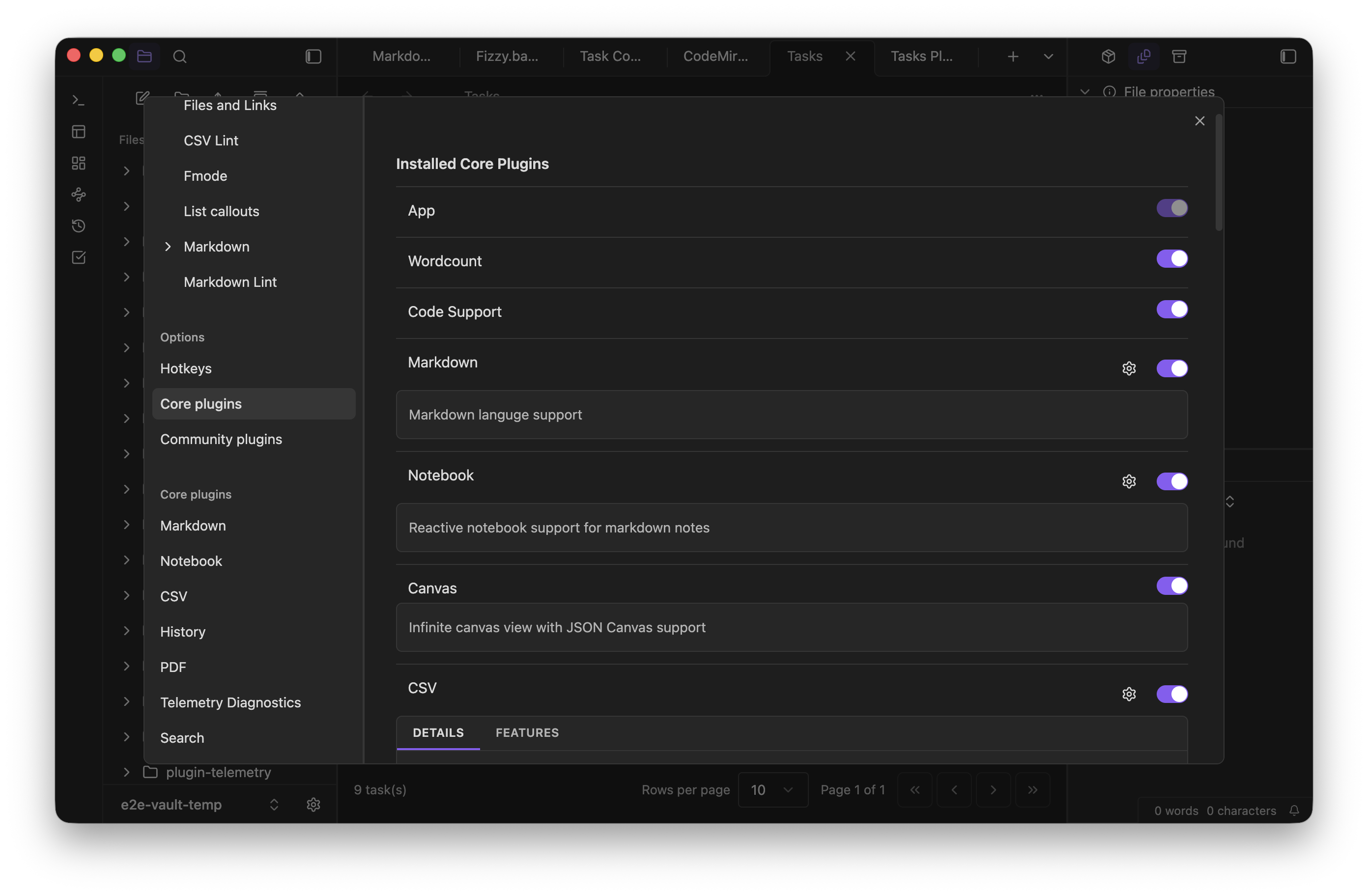
Core plugins ship with Lapis Notes and can be enabled or disabled from settings.
What ships today
Section titled “What ships today”- Search indexes notes, canvas text, tags, paths, properties, and optional semantic chunks.
- Graph view visualizes resolved links, unresolved links, embeds, and tags.
- Canvas edits JSON Canvas boards.
- Bases creates structured views over notes and frontmatter.
- Tasks manages markdown-first task notes and task-focused bases.
- Notebook runs executable notebook cells in
.notebook.mdfiles. See Getting started with notebooks for the full workflow. - Slides presents Markdown as slides.
- PDF opens PDF files and embeds PDF surfaces.
How to approach them
Section titled “How to approach them”- Start with the plugins that match the workflow you already have.
- Disable plugins you do not use to keep the workspace simpler.
- Use Safe mode and Community plugins when you need to control which extensions can run.